
Please note: These features are only available in New SuiteFiles. Please view this article for a guide on how to access it.
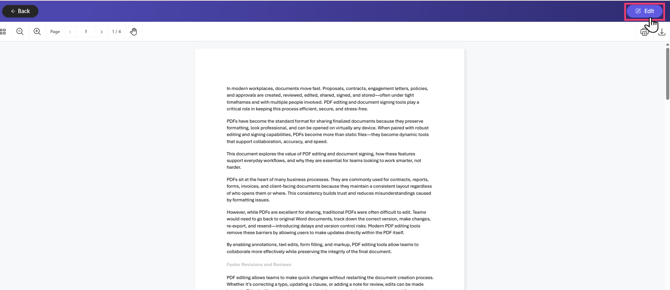
To edit a PDF: Click the file to open it, then click Edit in the top right corner.
Document Editor
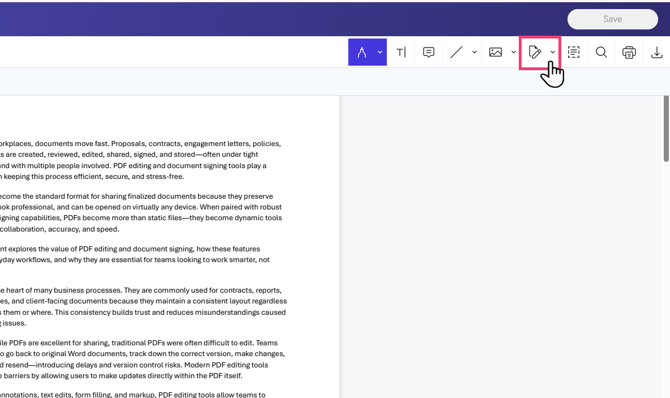
The document editor allows you to:
.png?width=670&height=263&name=image%20(9).png)
- Change the layout and add or remove pages from your document.
- Use Import Document to append another PDF file from your device (or OneDrive integration).
- Select and extract pages to download them as a separate document.
- Remember to save your changes before closing the document.
Content Editor
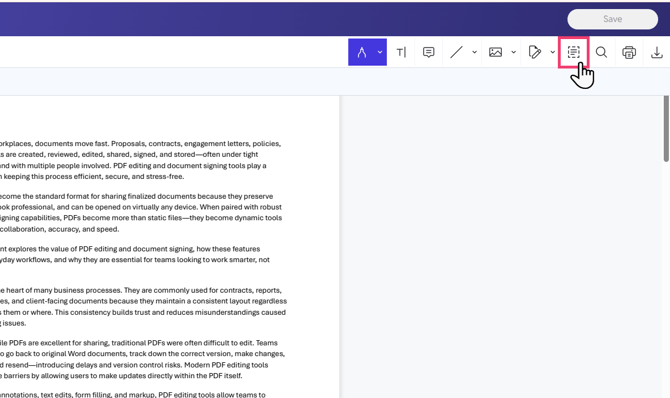
Use the Content Editor to edit the text within your PDF.
.png?width=670&height=75&name=image%20(2).png)