
Please note: This article is for creating documents from a template in New SuiteFiles. To learn how to do this in SuiteFiles Legacy, click here.
Access:
-
This feature is currently available to select SuiteFiles customers. We'll make it more widely available in a future update.
-
For now, new templates in New SuiteFiles can only be created and used by Tenant Owners, or anyone with Template Admin permission.
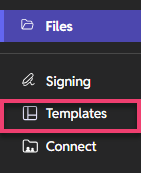
- Navigate to the Templates tab and select which template you'd like to use.
- Start typing the name of a client or contact you wish you populate data for and select them from the contact picker drop-down.
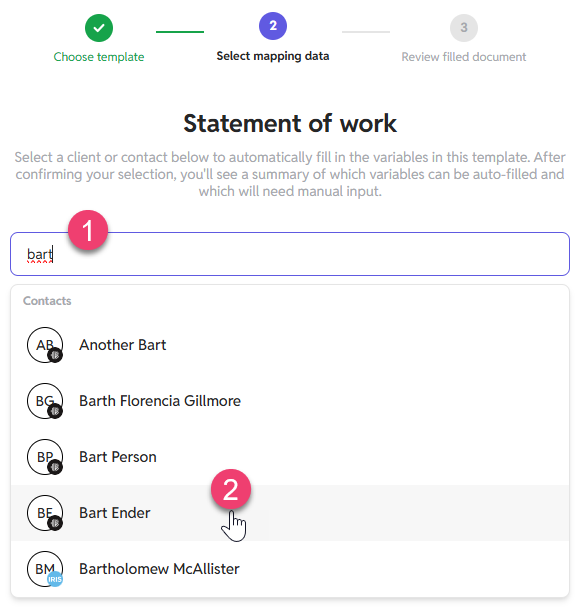
- Click Confirm selection.
- The Variable Overview displays how many variables (1) your template contains, followed by how many were auto filled (2) from your integrated application and how many need input and will need to be manually completed (3).
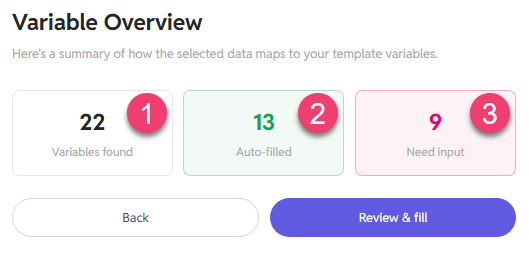
- Click Review & fill to view your document.
- Any fields that weren't automatically filled will appear in red on the left for you to complete.
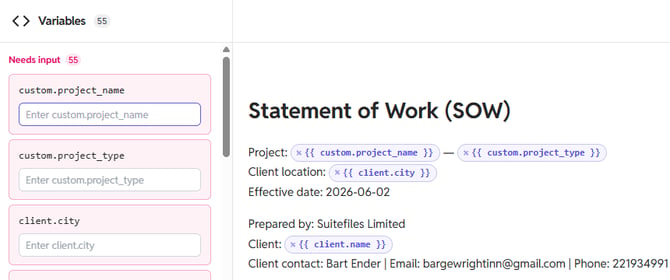
- Once you've completed all the custom variables click Save Document to select where you'd like to save your completed document.