
- Navigate to the folder in Files, or an individual file.
- Select the ellipse icon
 to the far right of the folder you wish to hide.
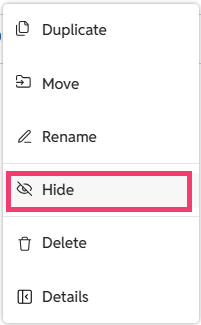
- Select the Hide option from the menu.
Files and folders which are hidden will not be shown in search results.
To learn how to Unhide Files and Folders see How to View Hidden Content