Please note: This article is for uploading a file with New SuiteFiles. To learn how to upload a file with SuiteFiles Legacy, click here
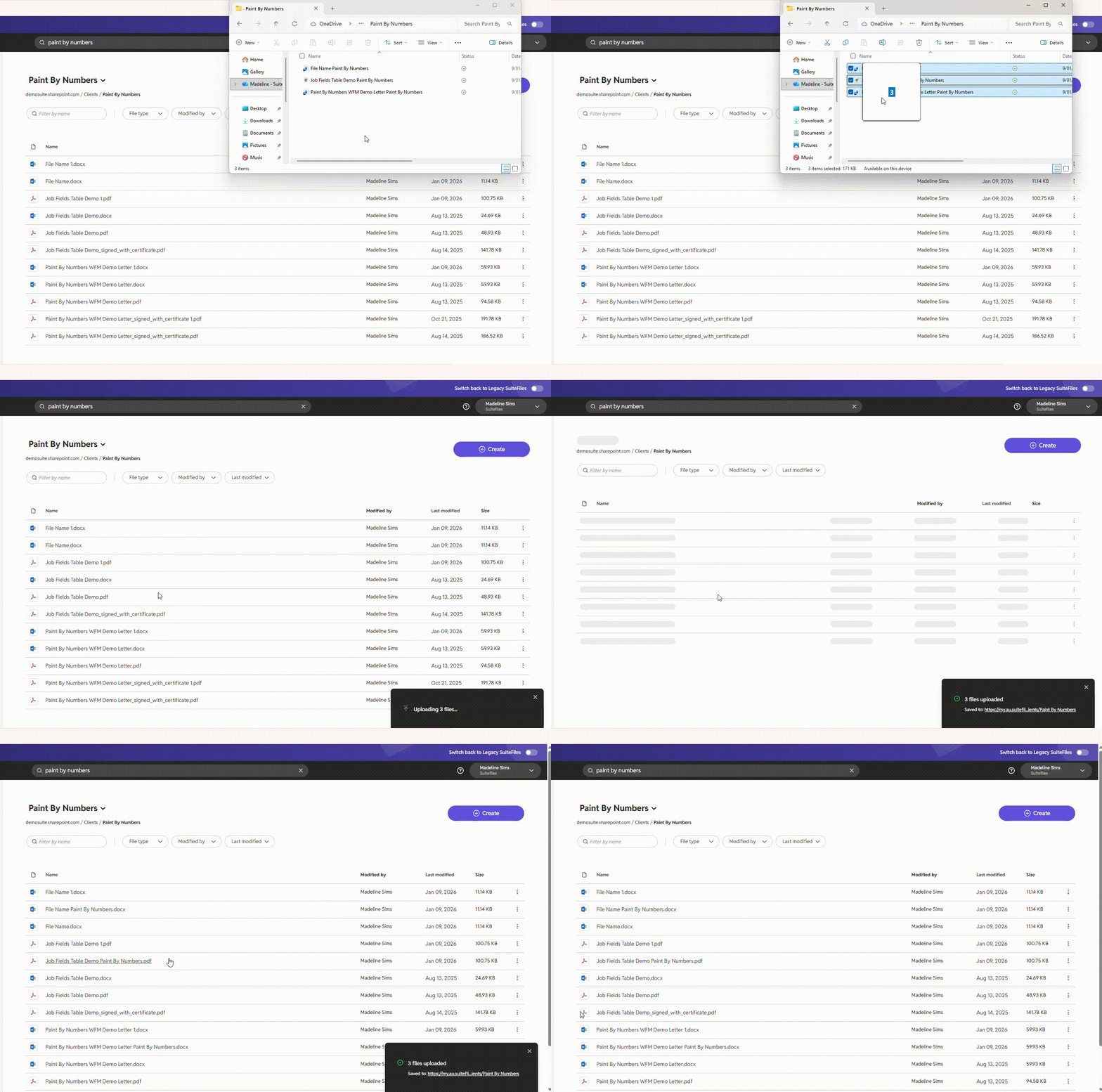
To upload a file into SuiteFiles that is stored locally on your computer, you can:
- Drag/drop the file from your desktop directly into a SuiteFiles folder through the web browser, or
Please note: There is an file size limit of 100 megabytes (MB) when uploading files using the methods described in this article. You also cannot upload empty folders.
The file will be stored in the folder currently open in SuiteFiles. You can also drag/drop folders and multiple files at once into SuiteFiles.